
Phone Repair in Montreal and Laval: A Practical Guide to Screens, Batteries and Diagnostics
Cracked screen, fast-draining battery or unreliable charging port? Learn how to prepare for phone repair and ask useful questions in Montreal, Laval and Greater Montreal.
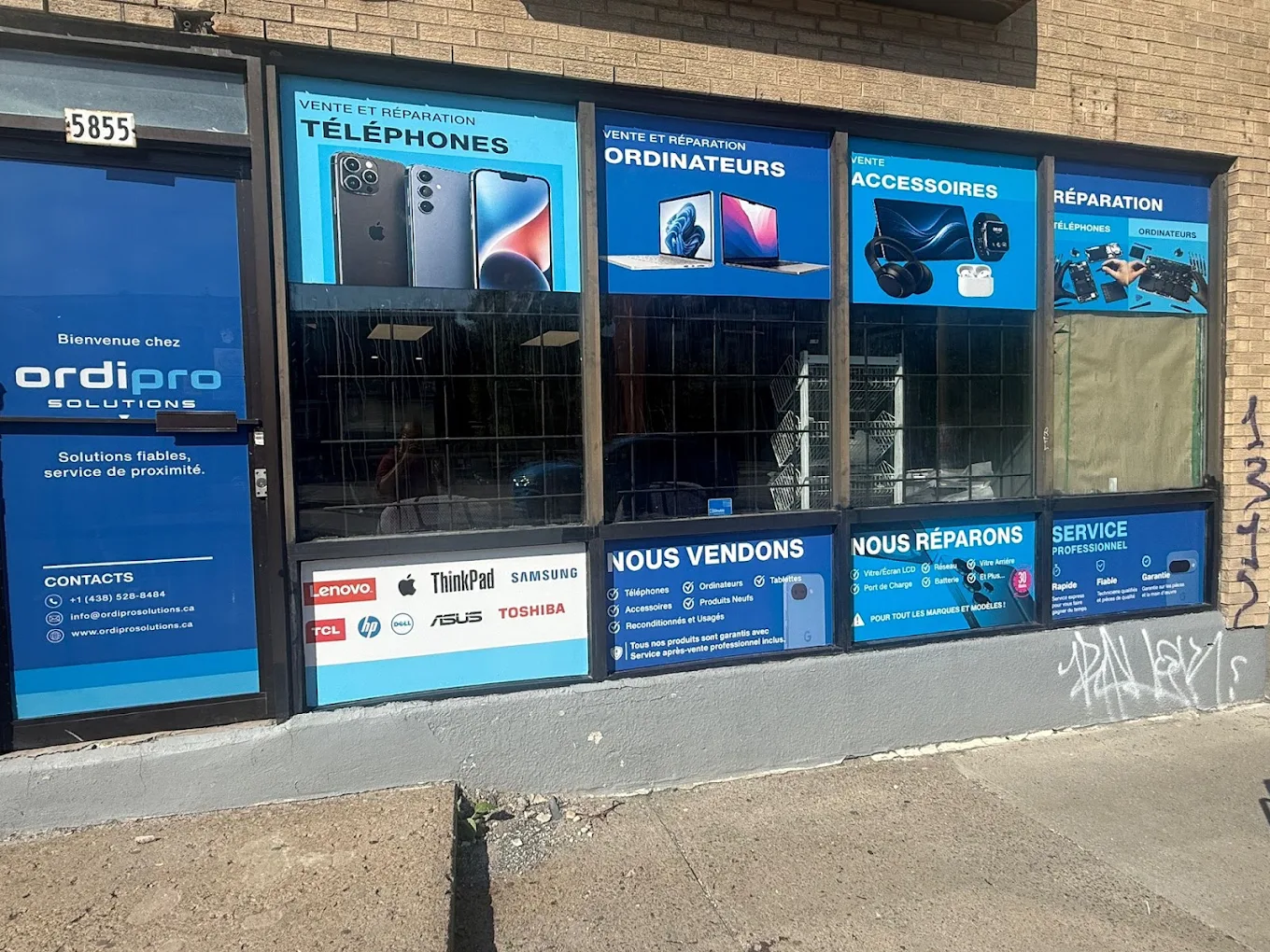
A cracked screen is easy to spot, but a drop, unreliable battery or loose charging port can point to a broader issue. In Montreal, Laval and throughout Greater Montreal, a useful repair starts with a clear diagnosis: what is affected, what data needs protection and which repair actually makes sense for the device.
Protect your data before leaving the phone
If the screen still responds, make a backup as soon as possible. On iPhone, check iCloud or an encrypted computer backup; on Android, check the Google account and synced photos. You can remove your SIM card if you prefer. A technician should only request an access code when a functional test requires it and the reason is clearly explained.
Common repairs and what to check
Screen, glass and touch response
A cosmetic crack is different from intermittent touch, coloured lines or a growing black area. Ask whether the proposed repair restores touch response, brightness and relevant sensors, and whether those functions are checked before the phone is returned.
Battery life
Before replacing a battery, rule out simple causes: demanding apps, weak signal, a damaged charger or nearly full storage. If battery life remains unpredictable, a battery and charging assessment can prevent replacing a part that is not the root cause.
Charging port
A cable that will not stay in place may be caused by compacted debris, a worn cable or the port itself. Do not insert metal objects in the port. Professional cleaning and a test with a reliable charger help distinguish maintenance from a hardware repair.
Questions worth asking
- What did the diagnostic show?
- Which functions are tested after the repair: charging, camera, speaker, microphone and network?
- What are the estimated turnaround time and warranty terms for parts and labour?
- Is device access needed for testing, and how will my information be handled?
Repair or replace?
For a recent phone that still meets your needs, a screen or battery repair can extend its useful life at a sensible cost. If several components are affected, compare the complete repair estimate with a dependable refurbished phone of similar storage, condition and warranty. The goal is a useful device, not simply the lowest sticker price.
After the repair
Before leaving the store, test the screen, lock button, calls, cameras, Wi‑Fi, Bluetooth and charging. Then keep automatic backups enabled and use a properly fitted case and screen protector. These small habits reduce future emergencies and make any later service easier.